The ADHD to-do list that doesn’t turn into a graveyard
You open the list. Forty-one items. “Call dentist” has been there since March. “Sort out life insurance” sits between “buy oat milk” and “email Priya”, and they all look equally urgent, which means none of them is. You close the list and go and reorganise a drawer.
A long to-do list is a strange thing to hand someone with ADHD. It asks you to hold a lot in your head, compare all of it, pick one item, and start that item with no deadline anywhere near it. Those are the very jobs ADHD makes harder. So a list that keeps failing you says little about your character. You’ve been handed the wrong size of shoe.
Some of this has been measured. A 2013 meta-analysis of 38 studies found that working-memory difficulties persist into adulthood in people with ADHD. A 2016 meta-analysis found that people with ADHD tend to discount delayed rewards more steeply, so “future you will be so glad” carries less weight. And planning can be taught: in a 2010 randomised trial with 88 adults, a 12-week group programme on time management, organisation and planning improved inattention symptoms more than supportive therapy did.
Why to-do lists fall apart when you have ADHD
It helps to know what exactly is going wrong, because “I’m bad at lists” gives you nothing to fix. Usually it’s one of these.
- •Every item is the same size. “Buy oat milk” and “sort out my pension” each get one line, so the page gives you no clue which is which, and your brain has to work it out from scratch every time you look.
- •Nothing feels urgent until it’s on fire. A task with a far-off deadline, or none at all, looks like wallpaper. Then one morning the wallpaper is due at noon.
- •The list becomes a record of your failures. Each time you open it you see everything you said you’d do and didn’t. So you open it less, which makes it longer, which makes it worse. That’s the mountain people mean when they go looking for an app without one.
- •Out of sight really is out of mind. A list inside an app only exists when you remember to go and look at it.
- •The new system stops being new. A fresh app or notebook can work beautifully for two weeks on novelty alone, and then you’re shopping for the next one.
No template will fix all of that. What you can build is a list that does less, shows you less and asks for fewer decisions, and that’s what the rest of this article is about.
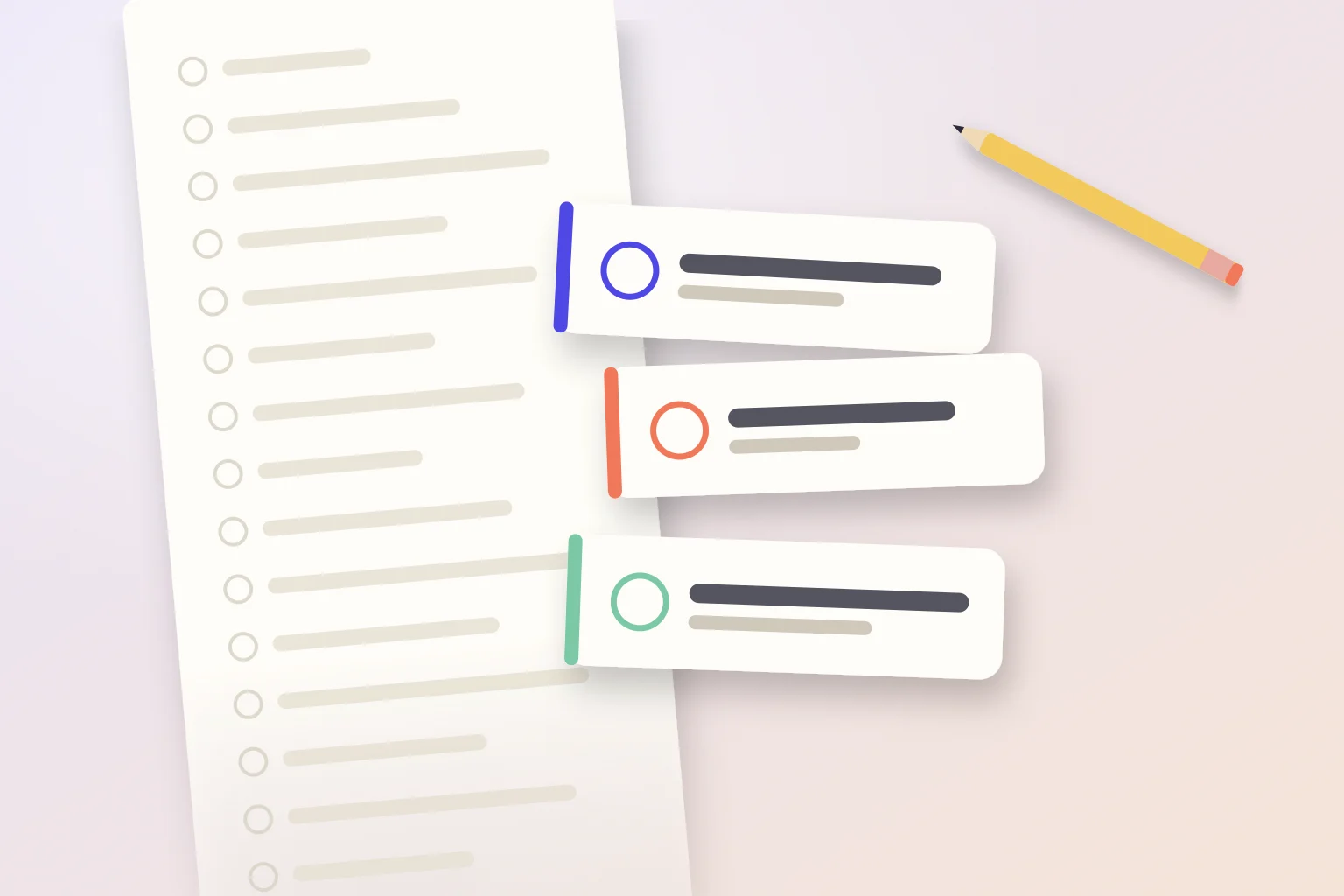
Split the list in three
One list is doing three jobs at once. Give each job its own place.
- •The dump. Everything goes here the second it occurs to you, unsorted. Nobody has to act on it. Its only job is to get things out of your head.
- •Today. Three things at most, picked from the dump. One of them can be small enough to be a joke.
- •Waiting. Whatever’s stuck on someone else: the landlord’s reply, the parcel. These stop staring at you from the main list.
You only live in Today. Open the dump once a day, when you pick. Open it at any other time and you’ll start tidying it, which feels a lot like work and moves nothing.
Write tasks your hands can start
“Sort out life insurance” has no beginning, so your brain slides off it. Rewrite each Today item as the first physical thing you’d do.
- •“Sort out life insurance” becomes “find last year’s policy email”.
- •“Dentist” becomes “open the dentist’s site and find the phone number”.
- •“Prepare for the meeting” becomes “open last month’s notes”.
This pays off twice. In 2004, Kruger and Evans found that listing a task’s steps made people’s time estimates longer and more accurate. Masicampo and Baumeister found that a specific plan quietened intrusive thoughts about an unfinished goal. Neither study was about ADHD, so call it a reasonable bet.
Give every item a when
A task with no time attached competes with everything, all day. Tie each Today item to something that already happens: “after I’ve made coffee, I open the policy email”. Psychologists call this an if-then plan, and a meta-analysis of 94 tests by Gollwitzer and Sheeran found that people who made one followed through more often.
Make finishing pay today
“You’ll feel great when your taxes are done” is a weak offer if next month doesn’t feel real. So pay yourself now. Tick the box with a satisfying pen. Save a good playlist for the dull job. Do it on a video call with a friend who’s also doing something dull. Text someone when it’s done. We don’t have a trial saying which of these will work for you, so try one for a week and keep it if it helps.
What this looks like in an ordinary week
Dani, 34, project coordinator: the list that became a wall
Dani’s task app holds 112 items, and eight of them are more than a year overdue. Every morning it opens on a wall of red, Dani’s stomach drops a little, and Slack gets opened instead. Work gets done, in the sense that whatever someone is shouting about gets done.
One Sunday Dani moves everything older than a month into a folder called “Later”, without reading it. It takes four minutes and feels illegal. Monday’s Today has three items: “open the budget sheet and find the July tab”, “reply to Marek, yes or no”, and “find the garage’s phone number”. The first two are done by noon. The garage moves to Tuesday, then Wednesday, and on Wednesday it gets a new plan: Dani makes the call from the kitchen while a flatmate cooks, because it’s harder to chicken out with a witness.
Nothing about Dani’s life has been transformed. The app now opens without the stomach drop, though, and that’s why it’s still being opened three weeks later.
Ola, 41, two kids and a job: the list that lives in her head
Ola doesn’t have a to-do list, she has a head. School forms, the dentist, her mother’s prescription and a work deadline all circle up there, and they tend to land at 2 a.m. She has tried apps, and they last until the first time she’s too busy to open them, which is the first day.
What sticks is smaller. Her dump is the notes app, used by voice, because she’s usually carrying something. Her Today is three lines on a sticky note on the kettle, written at night. Her Waiting list turns out to be the real discovery: half of what’s been keeping her up is stuck on someone else. The form her partner has to sign. The reply from the school. Once those have their own place she can stop carrying them around, and she chases them once, on Friday.
Mina, 22, student: the list that only works at midnight
Mina has never missed a deadline by more than a few hours and has never started anything more than a day early. Essays get written in a panic, because panic is the only thing that makes them feel real. Reading with no deadline doesn’t happen at all.
So she manufactures some urgency. She and a friend agree to swap first drafts on Thursday at 6 p.m., a week before the real date. Each Today item gets a when: “after the 2 p.m. lecture, in the library, open the essay file and write the worst possible first paragraph”. The draft she sends on Thursday is bad. The final one gets a week of editing, which has never happened before.
None of the three got a better app out of this. They got a smaller list, a fixed moment for looking at it and, quite often, another person somewhere in the picture.
When the list gets out of hand again
It will, so plan for it.
- •Moved to tomorrow three times? That item gets a decision: make it smaller, ask someone for help, or delete it.
- •Once a month, declare bankruptcy on the dump. Archive anything older than 30 days. If it mattered, it’ll come back.
- •On a really bad day, Today has one item. That still counts as a plan.
What to look for in a to-do app if you have ADHD
- •Capture in seconds. If adding a task takes more than a couple of taps, it stays in your head. Voice helps.
- •A today view that hides everything else.
- •Reminders you control, because the ninth identical ping stops being a reminder.
- •Moving a task to tomorrow without a wall of red overdue items to feel bad about.
- •Little setup. If you’re building dashboards, you’ve found a very pleasant way of not doing your tasks.
None of this replaces diagnosis or treatment. If daily life is falling apart, a doctor or an ADHD specialist can offer things a list can’t.
Questions people ask about ADHD to-do lists
Paper or app: what’s the best to-do list for ADHD?
Both can work, and they fail in different ways. Paper is visible and quiet and won’t pull you anywhere else, but you’ll leave it at home and it can’t remind you of anything. An app is always in your pocket and can ping you, and it’s also one tap from everything else on your phone. One combination worth trying: catch things on the phone, because you always have it, and keep today’s three items on paper where you can’t avoid seeing them.
How many tasks should be on my list each day?
We suggest three at most, and that’s our rule of thumb, with no research behind the exact number. If you finish three most days, try four. If you rarely finish three, try one, and treat anything else as a bonus. The right number is the one you can finish often enough to keep trusting the list.
Is there a to-do app for ADHD without streaks or gamification?
Yes. Plain task apps don’t have them, and some habit apps let you hide them. It’s worth caring about: across seven studies, Silverman and Barasch found that people who saw a broken streak on screen engaged less afterwards. Look at how loud the app is as well. If all the confetti, badges and coloured labels make you want to close it, pick a plainer one.
What if I forget to look at the list at all?
Then the list needs a fixed moment. Tie looking at it to something you can’t skip, like your first coffee or sitting down at your desk. Put today’s items where your eyes already go: the lock screen, the kettle, the front door. And use one daily reminder that says what to do, such as “Open Today”, instead of a separate ping for each item.
Why can I do things for other people but not for myself?
Because someone waiting is a deadline you can feel. So borrow that. Tell a friend what you’ll have done by Thursday. Sit next to someone while you do the boring thing, on a video call if you have to. Send a message when it’s finished. It can feel childish, which is no reason to skip it if it gets the form filled in.
How long does it take to get used to this?
Give it two or three weeks before you judge it, and expect it to wobble. If you stop using it, that tells you which part was too much. Bring back only the Today list and see whether that holds.
How DayriOS helps with this
We make DayriOS, so read this part as a sales pitch with the facts attached.
- •On the free plan, the AI can build one day plan a day from your tasks, and you get ten messages a day with the coach, Dayri. “What’s the smallest first step for this?” is a good use of one.
- •Voice recording and transcription are on every plan, so a thought on the bus can become text.
- •AI task breakdown turns “sort out life insurance” into steps of about two minutes each. It’s on Plus, five times a day, and Plus has a 7-day free trial.
- •Mental Unload sorts whatever’s in your head, by voice or text, into tasks, worries and ideas. Also on Plus, five times a month.
- •The focus timer is there when you’re ready to start.
A sticky note and a pen can do most of this. The app earns its place on the days you’d lose the sticky note.
Before you close this tab: what’s the oldest thing on your list? Delete it, or rewrite it as something your hands can do.
Comparing ADHD apps?
Eight planners side by side, ours included, with what each does badly.
Do your time estimates never work out?
How to plan when you can’t feel how long things take.
Sources
- Alderson et al. (2013), Neuropsychology
- Jackson & MacKillop (2016), Biological Psychiatry: CNNI
- Solanto et al. (2010), American Journal of Psychiatry
- Kruger & Evans (2004), Journal of Experimental Social Psychology
- Masicampo & Baumeister (2011), Journal of Personality and Social Psychology
- Gollwitzer & Sheeran (2006), implementation intentions meta-analysis
- Silverman & Barasch (2023), Journal of Consumer Research